
Jupyter Notebook Online
Upload your notebook or start a new one. Run Python code and explore your data in an online environment, with no installation or account required.
or
Upload your .ipynb notebook
drag and drop or click · max 10 MB
Free 30-minute session · No account · Starts in ~40 seconds · Download your work before leaving.
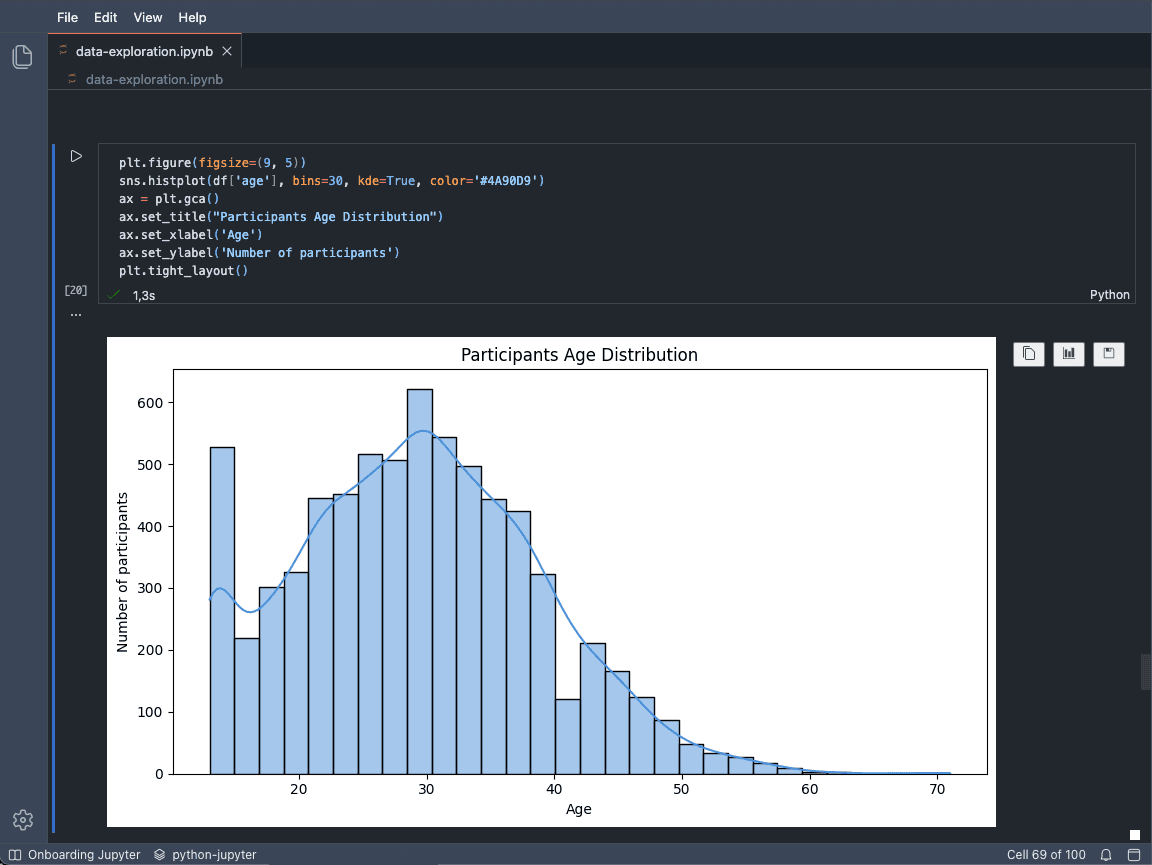
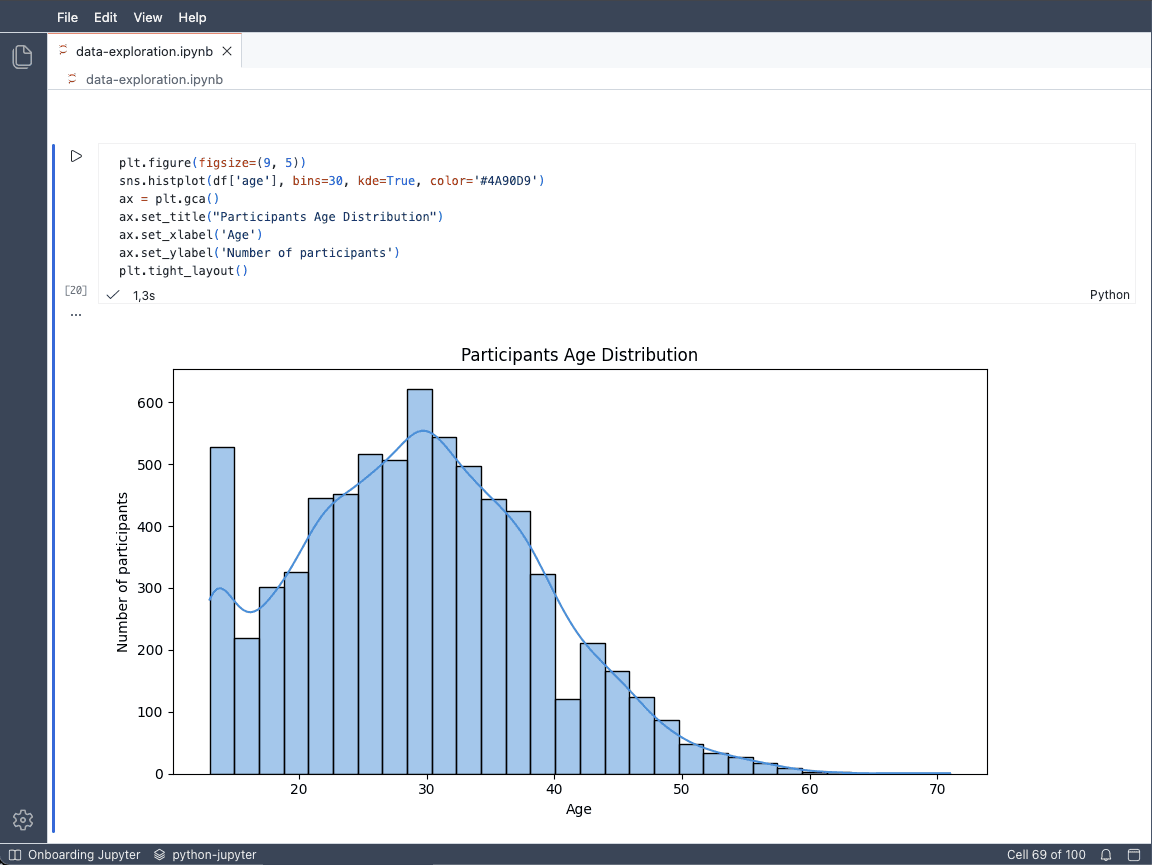
A Jupyter notebook in a VS Code-like interface, with Python, pandas and matplotlib preinstalled.
Pre-installed packages
Guided Python courses
Progressive notebooks with exercises and solutions, directly in the environment.
Beginner · 6 notebooks
Python Basics
6 progressive notebooks covering variables, conditions, loops, functions, strings, and lists.
Open course →Intermediate · 3 notebooks
Python Data Structures
3 notebooks for practicing lists, dictionaries, stacks, and queues in an online Jupyter environment.
Open course →How do I run a Jupyter notebook online?
- Start a new notebook or upload your .ipynb file using the drop zone above.
- Allow around 40 seconds for the cloud workspace to start.
- Open your notebook and run Python cells to display results and charts.
- Download your notebook and any files you want to keep before the 30-minute session ends.
A Python environment in the cloud
Your code runs in an isolated cloud workspace with a Python kernel, a terminal and a file explorer. The IDE is built on Eclipse Theia, with a VS Code-like interface. Keep your cells, outputs and files together, without installing Python on your computer.
Frequently asked questions
Do I need an account?
No. You can create or upload a notebook and start your session without signing up.
Is the notebook really free?
The session is free for 30 minutes. This limits cloud workspace usage; download your work to continue elsewhere.
Can I upload my own .ipynb file?
Yes. Drop your notebook into the upload area or click to select an .ipynb file up to 10 MB, then launch the workspace.
How do I keep my work?
Download your .ipynb notebook and any other files you need before the session ends. Do not rely on this temporary workspace to store them.
Which packages are preinstalled?
NumPy, pandas, matplotlib, scikit-learn, SciPy, seaborn, Pillow and pygame are available when the workspace opens.
Can I install other packages?
You can use pip in the terminal. Installation depends on package compatibility and available resources. Added packages are specific to the session.
Why does startup take around 40 seconds?
This is the time needed to start your cloud workspace and Python environment. The listed packages are already installed; actual startup time may vary.
Is my code isolated?
Your code runs in a workspace isolated from other sessions, with its own temporary working environment.