
Ages 6–11 · Progressive adventure
Golden Quest
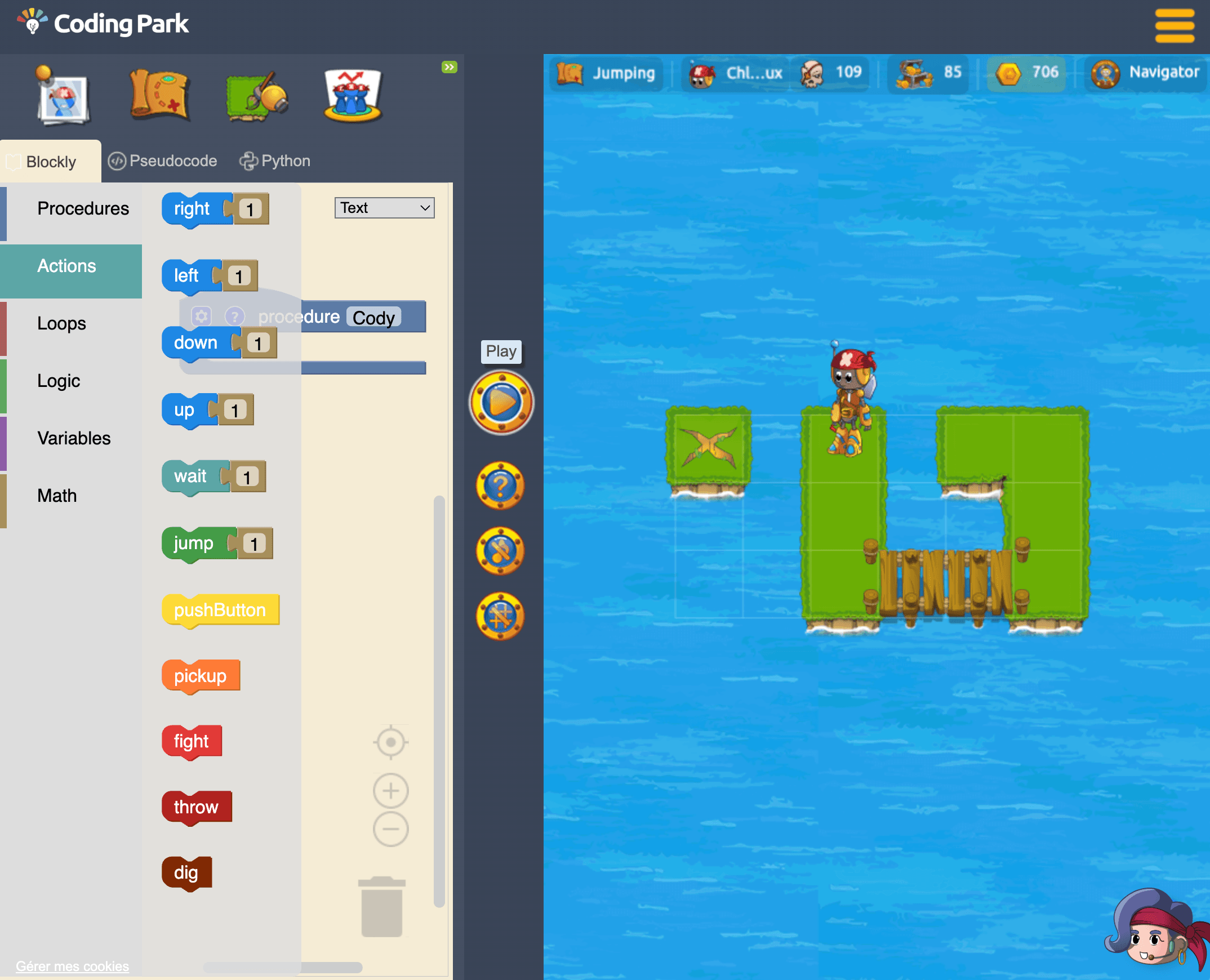
Guide Cody from island to island. Each puzzle teaches you to give instructions, spot repetition and fix your program. You learn by seeing your ideas come to life.
Play for free →From 6 to 17, play an adventure or build your own game in Python. Two ways to discover programming, no installation needed.
Golden Quest free to try · Python sessions: 30 minutes free
01 · Choose your experience
The same pleasure of understanding, two starting points. Pick the one that matches your age and what you feel like doing.
Guide Cody from island to island. Each puzzle teaches you to give instructions, spot repetition and fix your program. You learn by seeing your ideas come to life.
Play for free →Go from player to creator with Python and Pygame. Start with Pong: a ball, a paddle, bounces. Then level up your programs with Snake or Space Invaders.
Build my first game →| Feature | Golden Quest | Python games |
|---|---|---|
| Recommended age | 6–11 | 12–17 |
| Format | An adventure to play by programming | Real games to build in Python / Pygame |
| Concepts | Sequences, loops, conditions, procedures and debugging | Variables, functions, coordinates, collisions and game logic |
| Account | No account to try | No account for the trial |
| Installation | None: runs in the browser | None: Web IDE in the browser |
| Free access | Free discovery; full path on subscription | Free 30-minute trial workspace |
Ages are guidelines. Understand the blocks-to-Python progression →
02 · Golden Quest
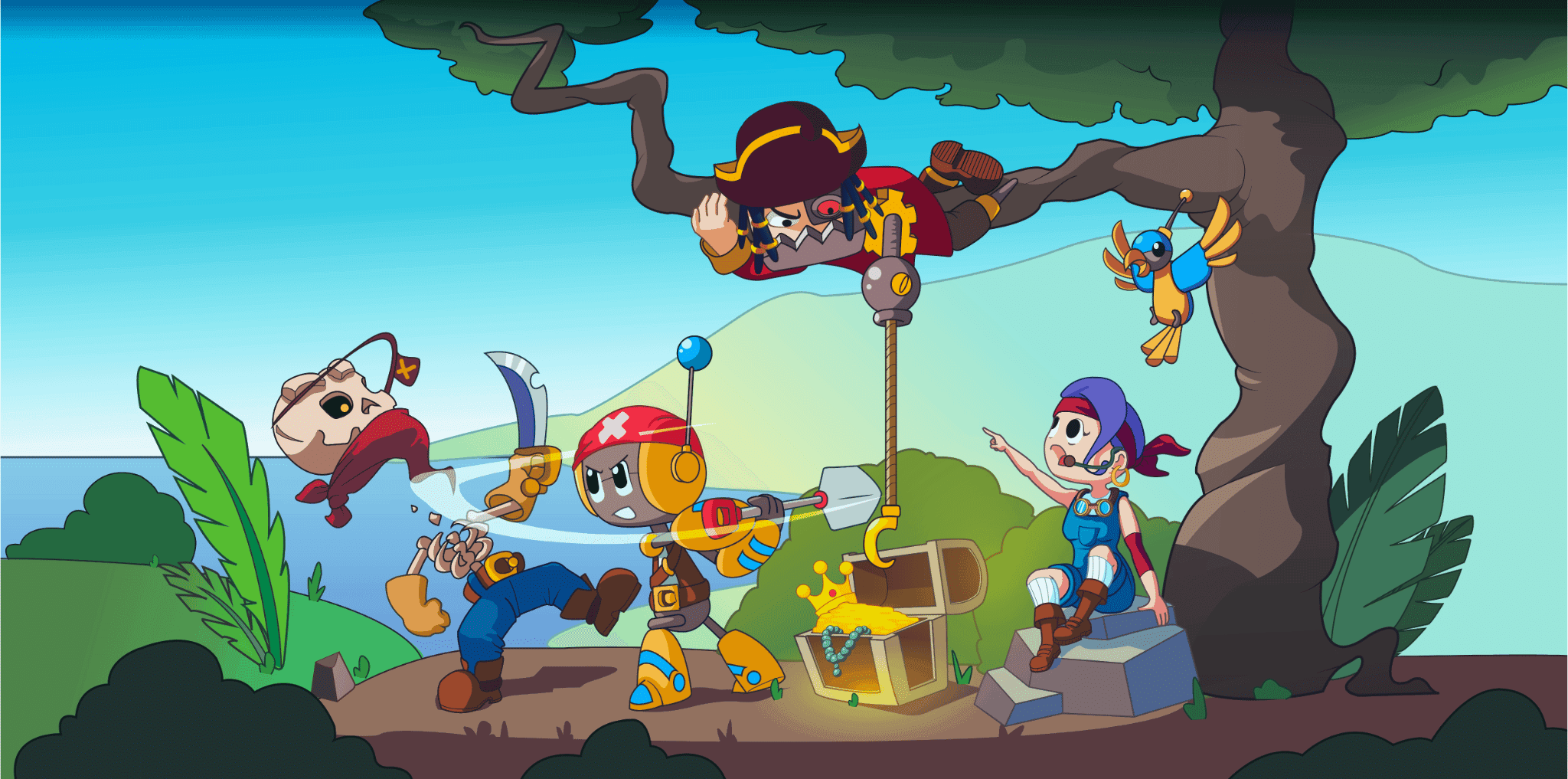
Your turn to guide Cody.
Write your instructions. Run your program. Watch what happens.
Play here for free →No installation · No account needed
Open Golden Quest in a new tab ↗01
Simple instructions first, then challenges that combine several ideas. Pictograms and blocks prepare the transition to text-based code.
02
Spot what repeats and express it with a loop, rather than copying the same instructions over and over.
03
Observe the situation and pick the right action: move forward, turn or avoid an obstacle.
04
Run the program, watch Cody, find the mistake and try a different solution.
05
Give a name to a sequence of actions and reuse it to organise your program.
06
With the level editor, go from player to creator and invent new challenges for others to solve.
03 · Python & Pygame · Ages 12–17
Open your online workspace, follow the tutorial and write real Python. AI assistance helps you understand your code. No account, no installation: you get 30 free minutes to get started.
Getting started
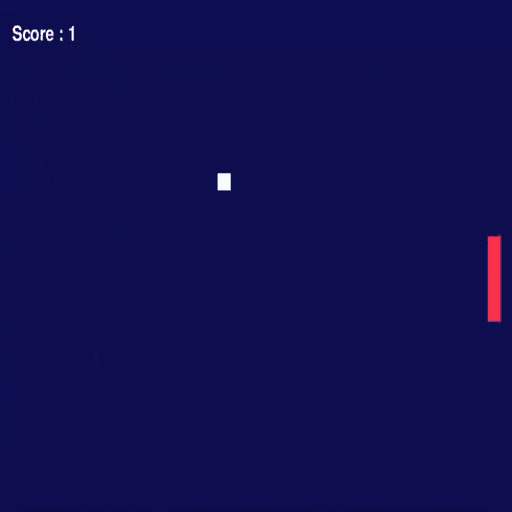
Discover game loops, movement and collisions through an approachable arcade classic.
Levelling up
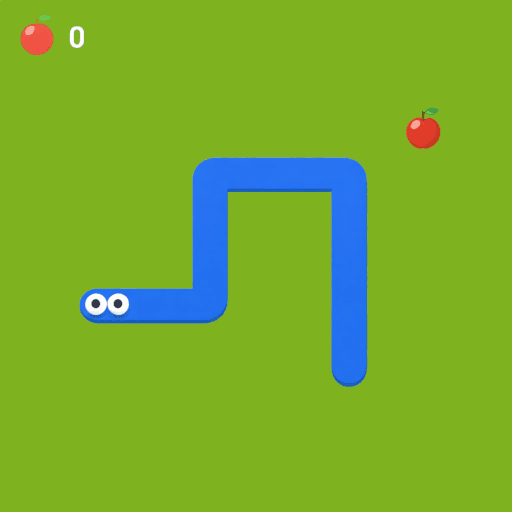
Model a grid-based game and grow its rules into a complete gameplay loop.
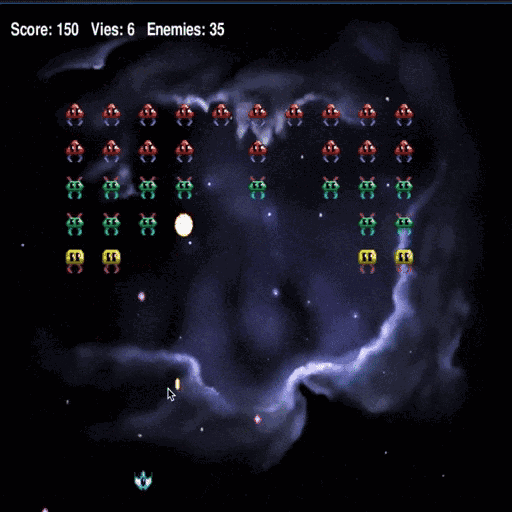
Going further
Structure a complete arcade game, from its first mechanics to animation and sound effects.
The 30 minutes let you explore the lab and start coding. Completing a full game may take several sessions.
Explore the Python game catalogue →Choosing a path for a younger learner? Explore the Golden Quest curriculum and Family plans →
04 · Outside perspectives
Dated articles and attributed reviews, with sources for further reading.
Phaser World · 22 January 2018
Golden Quest was chosen as the game of the week in the Phaser newsletter.
Read issue 113 ↗Phaser · 19 January 2018
The review describes the first programs, errors to fix, loops and the level editor.
Read the full review ↗Geek Junior · 2018
Geek Junior describes Coding Park as the missing bridge between Scratch and the languages used by professionals.
Read the article (in French) ↗Challenges · 2021
Challenges magazine featured Coding Park and its game-based learning approach in its 2021 selection (in French).
Read the feature (in French) ↗A parent's perspective
« J'ai été émerveillée de voir mon fils programmer les actions d'un personnage. »
A teacher's perspective
"The quality of your content stands out."For teachers
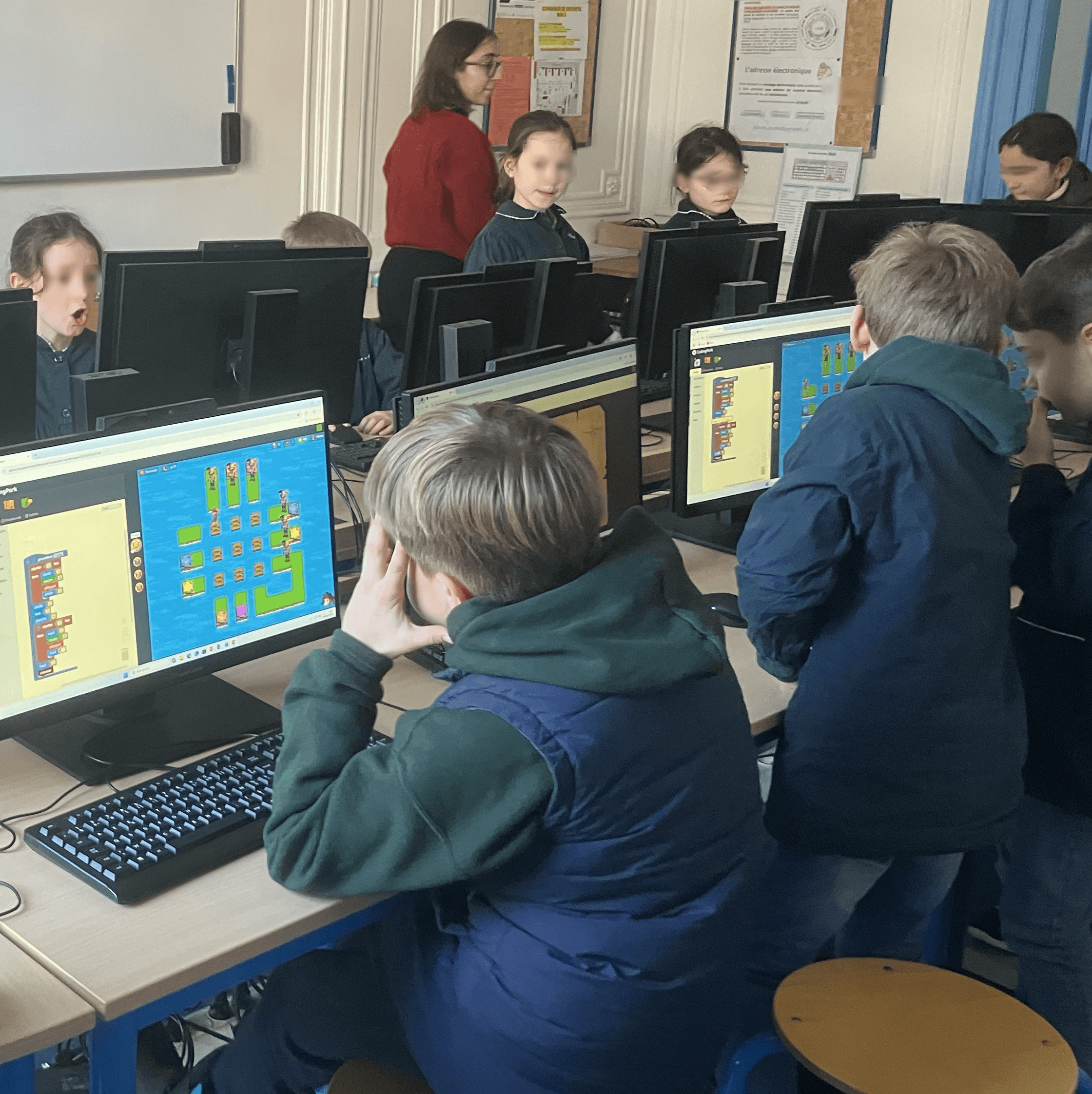
Prepare your session with the free teacher kit: activity sheets, manuals and a pedagogical presentation. Create your free teacher account to automatically activate a 15-day trial with a half-class of up to 15 students.
06 · Frequently asked questions
Golden Quest discovery is free. Python labs offer a free anonymous 30-minute workspace: enough to start a project and try the tools. The full Golden Quest path and guided workshops are separate paid offerings.
Golden Quest is the recommended starting point for ages 6–11. From 12–17, the Python games let children build their own programs. Ages are guidelines: experience and enthusiasm matter too. Pong is an accessible first project; Snake and Space Invaders require more Python foundations.
No account is needed to try Golden Quest or launch a 30-minute Python workspace. Access to the full path and student tracking belong to the Family and School offerings.
No. Golden Quest runs in the browser and the Python environment is set up online. An internet connection is required.
To explore Golden Quest on a tablet, open the game in its own tab and use landscape mode. Comfort depends on the browser and screen size. For writing Python and using game keyboard commands, a computer with a keyboard is recommended.
Golden Quest covers sequences, loops, conditions, procedures and debugging. The Python games add variables, functions, data structures, coordinates, collisions and game states.
Yes. In the Pong, Snake and Space Invaders labs, they write and run Python with Pygame. A tutorial guides progression and AI assistance is available. The 30 free minutes are for exploring the environment and getting started, not for guaranteeing a complete game.
Yes. The teacher kit includes activity sheets, manuals and a pedagogical presentation. Creating a free teacher account automatically activates a 15-day trial for a half-class of up to 15 students. The logic and algorithmic reasoning practised can complement preparation for computing competitions; Coding Park is not an official competition partner.
We use cookies to measure audience, improve your experience, and deliver personalised content. Your choices apply to codingpark.io and its app.codingpark.io and ide.codingpark.io subdomains. Learn more