
Can they describe the steps?
Before opening a screen, ask your child to guide an imaginary character to an object: move, turn, stop. If ordering the actions is difficult, start with pictograms or blocks.
Start with what your child can already explain and enjoys making. This guide helps you choose between visual instructions, blocks and Python, recognise progress and support your child without solving every challenge for them.
Free to try · No credit card · Runs in the browser
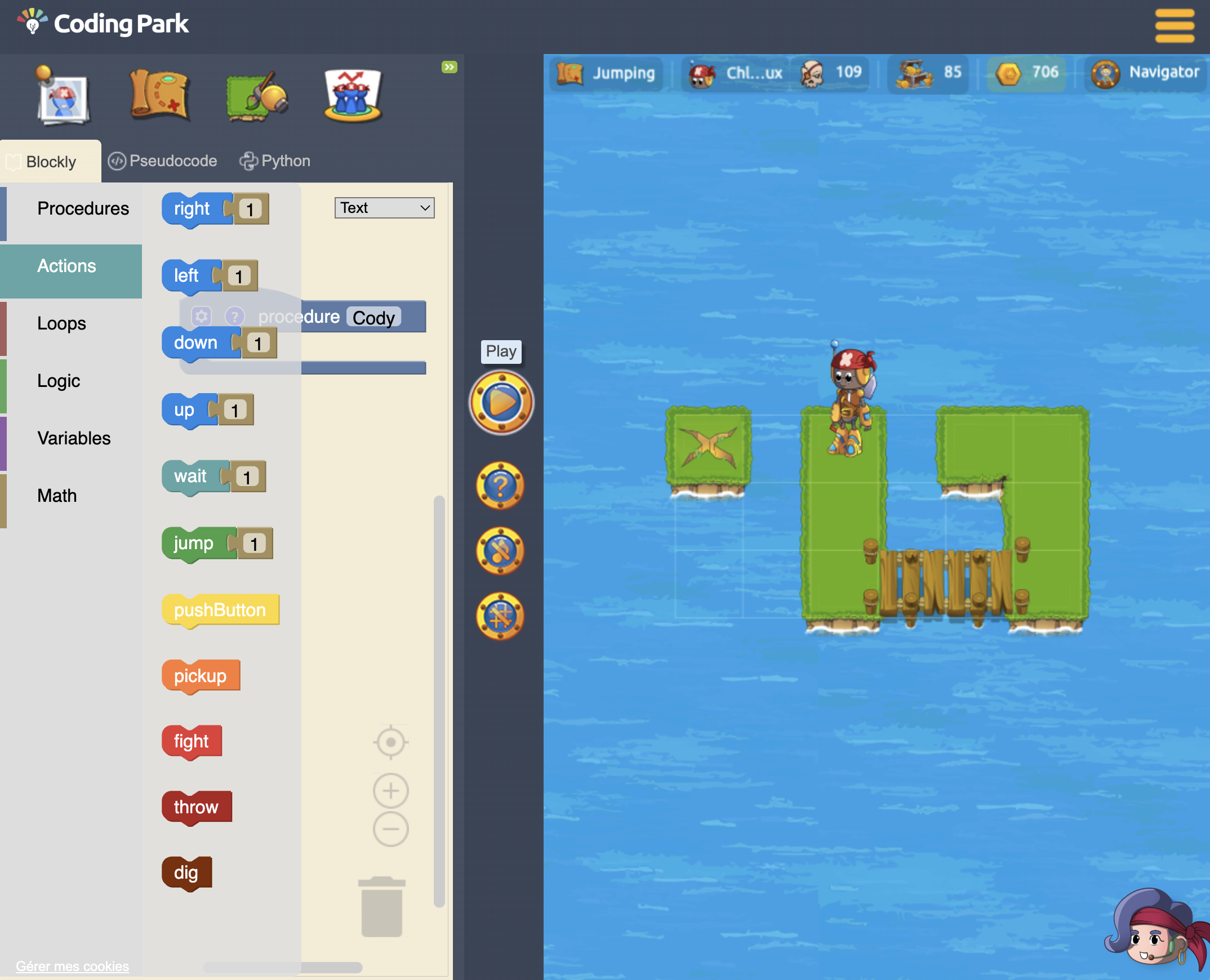
Before opening a screen, ask your child to guide an imaginary character to an object: move, turn, stop. If ordering the actions is difficult, start with pictograms or blocks.
In a coding game, ask why the character ended up in the wrong place. Identifying and correcting an instruction is concrete progress, even before the challenge is complete.
Try text code when your child can explain a loop and a condition and wants to change a program’s rules. A keyboard and Python foundations will help with a first Pygame project.
Ready to put those skills to work? Choose a Python and Pygame project →
Break a goal into steps, recognise patterns and design a solution that a computer can execute.
A wrong answer becomes useful feedback. Children test, adjust and learn to persevere independently.
Sequences, loops, variables and conditions prepare learners for Python and other text-based languages.
Blocks reduce typing friction while preserving the logic of a program. Golden Quest then makes the transition explicit so children understand what the equivalent code looks like.
Foundation
Manipulate instructions and understand order, repetition and choices without syntax errors.
Bridge
Name the concepts and learn how structured instructions express an algorithm.
Destination
Apply familiar logic to text-based code and begin writing authentic programs.
Short visual missions build focus, sequencing and the idea that instructions must be precise.
Children combine loops and conditions and begin planning before they run their solution.
Learners connect block structures with pseudocode and Python syntax at a manageable pace.
The best way to understand whether coding clicks is to solve a first challenge. Start in the browser for free, with no payment details.
Start learning for free →We use cookies to measure audience, improve your experience, and deliver personalised content. Your choices apply to codingpark.io and its app.codingpark.io and ide.codingpark.io subdomains. Learn more