
Python Games · Pygame · ball physics
Pong
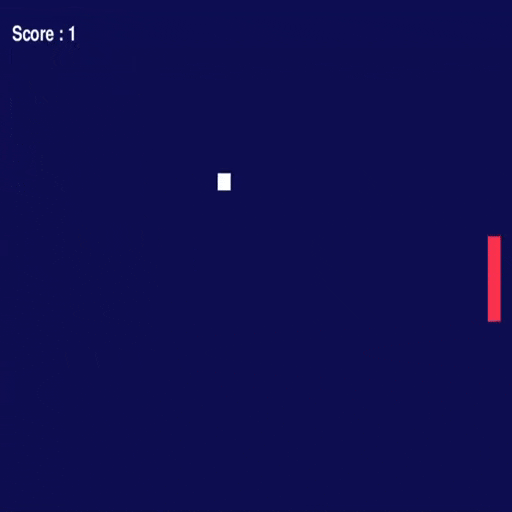
Build a solo mini-Pong from scratch with Python and Pygame. In 4 steps, you'll lay the foundation of any video game: window, loop, physics, keyboard control and game over.
PythonPygameGame logic
Free · No account·Beginner·~1h
What you'll build
- ✓A first playable arcade game, built progressively from an empty screen
- ✓A clear game loop separating initialization, world updates and rendering
- ✓Consistent movement and bouncing based on screen coordinates
- ✓A complete rule set: paddle controls, collisions, scoring and game over
The 4 tutorial steps
00
Understand the game loop
Organize the program around the three phases of a game: set up, update and render.
01
Set the world in motion
Use screen coordinates to move the ball and calculate its bounces.
02
Create interaction
Control the paddle, detect impact with the ball and turn success into a score.
03
Give the game a beginning and an end
Define defeat, display the outcome and complete the gameplay experience.
Skills covered
- · Game loop decomposition
- · Screen coordinates
- · Movement and bouncing
- · Real-time keyboard control
- · Collision detection
- · Scoring and game-over logic
Prerequisites
- · Beginner Python (variables, functions, conditions)
- · No game development experience required
- · No installation, online lab